


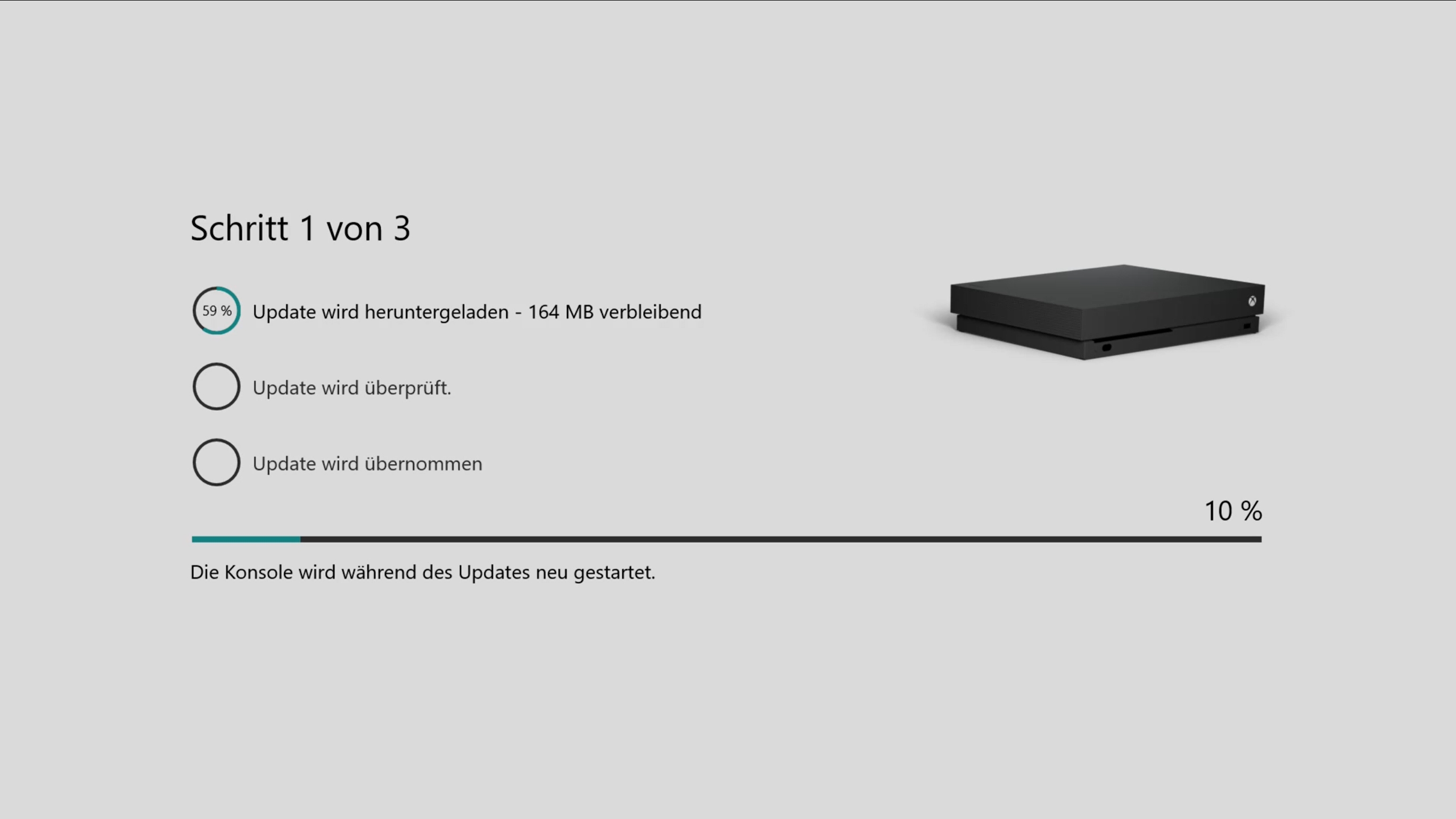
Erneut rollte Microsoft ein weiteres Xbox One Preview Update aus, welches für alle Xbox Insider bestimmt ist, die sich im Alpha-Ring befinden. Die neueste Preview-Build beinhaltet einige Fehlerbehebungen und steht ab sofort zu Download bereit.
Zum einen wurden Wi-Fi-Unterbrechungen behoben, die immer wieder einmal auftraten. Auch der Blu-Ray-Player bekam ein Update verpasst. Hier gab es bei einigen Usern einen visuellen Glitch, der nach ein paar Minuten Abspielen auftrat. Auch im Installationsprozess von Spielen wurde ein Fehler behoben, der die Fortschrittanzeige fehlerhaft anzeigen ließ.
Auch im Bereich „Meine Spiele & Apps“ wurden ein paar Fehler beseitigt. Hier wurden bei manchen Usern die Spiele nicht richtig angezeigt. Manche User stellten auch Anzeigefehler fest. So wurden manche RGB-Farben bei 4K- und HDR-Inhalten nicht angezeigt, wenn man zum Beispiel eine UHD-Disk abspielte.
Zu guter Letzt gab es noch eine Fehlerbehebung in den Einstellungen unter dem Bereich „Geräte & Zubehör“. Hier war es einigen Usern nicht möglich, sich in der Xbox Zubehör-App mit dem Controller anzumelden.
Alle weiteren Informationen zur neusten Preview-Build zum Frühlings-Update für das Xbox One Dashboard findet ihr hier unten in den Changelogs. Dort sind auch alle bekannten Fehler aufgelistet.
Details:
OS-Version: rs4_release_xbox_dev.180305-1900
Gefixt:
- Wi-Fi Lag Issues
We have resolved the issue in which your Wi-Fi connection would lag for 3-4 seconds and reoccur after 30 minutes.
- Blu-Ray Player
We have resolved the issue sin which the Blu-ray app may experience visual glitching after a few minutes of playback.
- Game Install Progress
We have resolved this game install progress bar showing over 100% status.
- My Games and Apps – Some Games missing from your collection
We have resolved an issue in which some games and apps are missing from your collection. You will no longer see the tabs in your My Games and Apps show no titles/and or some titles missing in your (1) Game Pass collection and (2) EA Access collection.
- Display
We have resolved issues with RGB colors when displaying in 4K HDR mode when playing a UHD disc.
- Settings – Accessory App
We have fixed the issue of not being able to assign controller configurations in the Xbox Accessory app.
Bekannte Fehler:
- Pins
If Microsoft Edge was pinned prior to downloading the 1804 update, attempting to launch Microsoft Edge from the existing pin will fail. Workaround: Delete the old Microsoft Edge pin and re-pin Microsoft Edge.
- Settings
When accessing the Language & location page in Settings, it may take a long time for the page to load.
- Pi-hole
Pi-hole users may encounter issues signing in, creating, or recovering accounts upon downloading the 1804 update. This is due to a new configuration file which is downloaded from a URL Pi-hole blocks by default. Workaround: Add clientconfig.passport.net to the Pi-hole allowed IP address list.
- Audio Issues
We are aware that some Spatial Audio users will experience unexpected game volumes and are working on a fix.
We are aware that the Mono output feature is not working as expected in latest builds. The team has identified a fix and is testing. Please turn off the feature if you are using an audio receiver with less than 7.1 audio channels.
We have identified an issue with Dolby Atmos for Home Theater and certain AVR models that will result in random sound cut outs. If a sound cut out ever occurs you can change your audio format settings to something else and then back to reset it.
Some users have reported that HDMI in volume is lower for TV Input and some media apps. We are actively investigating. Workaround: Sit closer to the TV or Start Background Music and goto the Audio Settings and set the volume slider to 50% rather than 0% and the volume issue is fixed.
- Now TV
In the Now TV app some UI elements are disappearing during playback.
- Plex App
In the Plex App some users are experiencing buffering. We are actively investigating this issue. Workaround: You can back out of the Plex app to home then go back into the Plex app and playback continues.
- Netflix
(1) The Netflix team are updating the app as it is crashing for some users. Workaround: Please check for an update for the Netflix app. (2) Netflix on Monitor only works at 1080p and does not support 1440p – Netflix is aware of the issue. Workaround: If watching Netflix on a Monitor/LCD please set the display output to 1080p.
- System
We are investigating an issue in which some users are experiencing the console shutdown after you turn it on. Workaround: Simply turn the console back on.
- Vudu
We are investigating why some users are unable to play 4k content in the Vudu app.
- Virtual Keyboard
The virtual keyboard disappears randomly when inputting text. Workaround: Plug in a wired or wireless keyboard
- HDR Issues
Some users are discovering that some games are not showing in HDR – Please file feedback when you encounter this to help in the investigation and please provide the make and model of your TV and the firmware version.
- Game Install Progress
We are aware of an issue in which the Game Progress status shows over 300%. Please note that this is a different scenario to the fix in this build referenced above in fixes.
- My Games and Apps
We are aware of an issue in which Games and updates are installing to non Home consoles even if you have selected to not keep games and apps up to date.
- Spotify
Search Some users are discovering that the search function in Spotify is not working. Please file feedback when you encounter this to help in the investigation.
- Store app
Some users are experiencing a problem in which the Store App is failing to update. Please file feedback when you encounter this to help in the investigation.
- Casting from the Xbox – Apps such as YouTube
Automatic discovery over WiFi is currently not working correctly. The YouTube app relies on this to make pairing seamless (Link with Wi-Fi). There is a known issue with uPnP and state separation that is being investigated. In the meantime, please use the second pairing method in the YouTube app. Launch the YouTube app then go to Setting -> Link TV and Phone -> Link with TV Code. Follow the directions on screen.
- Settings
We are aware that the Schedule details is missing after you re-select your schedule from Dark or Light in Theme.
[amazon box=“B0753KMNRW“]