


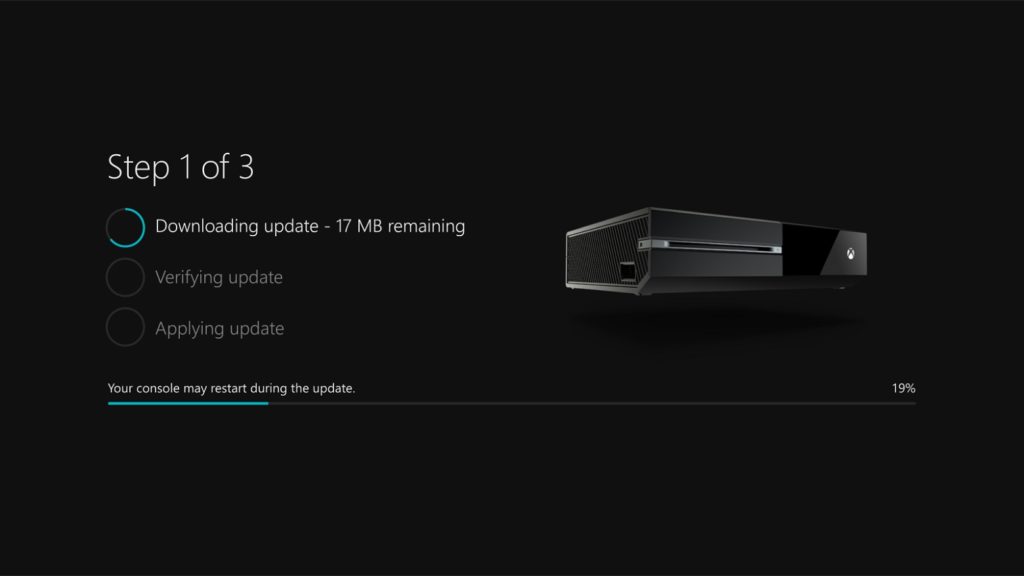
Xbox Insider im Alpha-Ring wussten was ihnen blüht, als sie sich für diesen Ring registrierten. Denn Microsoft gaben im Vorfeld bekannt, das dieser Ring die meisten Updates enthalten wird. So auch geschehen in der vergangenen Nacht.
Hier erschien wieder einmal ein neues Preview Update. In der neusten Build wurden aber erstaunlicherweise nicht die bekannten Fehler behoben, die es noch seitens Microsoft auszumerzen gilt, sondern eher diverse Korrekturen und Verbesserungen in die neue Build implementiert.
Alle Infos zur neusten Build für alle Xbox Insider im Alpha-Ring mit den noch bekannten Fehlern, findet ihr wie gewohnt hier unten im Original. Das neuste Preview Update ist ca. 530MB groß und kann ab sofort heruntergeladen werden.
Details:
OS-Version: rs2_release_xbox_1703.170226-1700
Gefixt:
• Miscellaneous
Miscellaneous fixes and improvements.
Bekannte Fehler:
• Xbox Accessories
- “Portal“ accessories used with games like Skylanders, LEGO Dimensions, and Disney Infinity are not recognized.
- The Xbox Accessories app Device Details page may appear blank.
Workaround: Update the device firmware, and view Device Details on a console not enrolled in Preview.
- Copilot does not function at this time. You can disable Copilot from the power menu (hold the Xbox button on the controller) if desired.
• Cortana
- If Cortana was enabled prior to entering connected standby, you may encounter an error when resuming from connected standby.
- Cortana may take a long time to respond when activated while playing certain games.
- Scheduled Cortana reminders will not provide a notification if the user who created the reminder is signed in, but not the current active user.
- Using voice dictation sometimes causes the virtual keyboard to become unresponsive.
• Notifications
Some users may not receive certain types of notifications.
• Game Clips
After capturing a game clip, the game clip fails to automatically post to the Activity Feed (if your profile is configured to do so).
Workaround: Manually view game clips in Profile > Captures > Manage captures and post to the Activity Feed.
• EA Access
The EA Access app may indicate you are not an EA Access subscriber when you are. This does not affect your ability to download or play games from the Vault, or receive discounts on EA titles.
• Screen Dimming
The screen may dim after a short amount of time while viewing videos in certain apps (Hulu Plus).
• Settings – Ease of Access
When enabling the Mono output setting in Ease of Access – Audio, Settings becomes unresponsive, crashes, and fails to launch on subsequent attempts.
Workaround: To launch Settings, perform a hard reset (hold down the button on the front of the console for five seconds until it fully powers down, then power it back on).
• Settings – Display & sound
The Audio output page is under construction and some of the new settings are not yet functional. New support is planned for Dolby Atmos for home theater, Dolby Atmos for headphones, and more in upcoming builds. An announcement will be made when these new features are ready to try out; enabling these settings now will have no effect.
• Wireless Display
The Wireless Display app fails to launch and immediately crashes to Home.
[amazon box=“B00ZV0NH40″]