


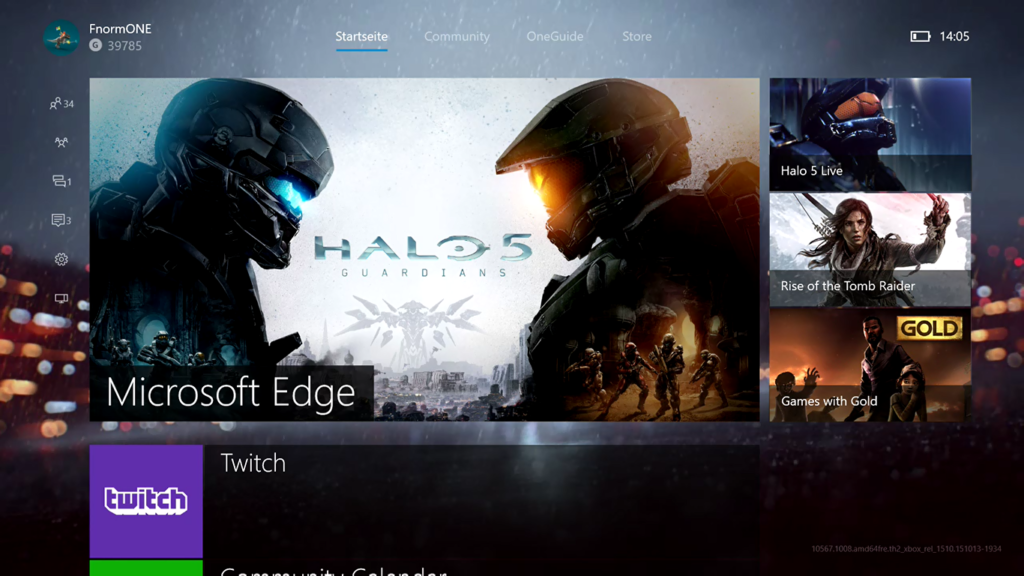
So allmählich bereitet sich das Team Xbox in Redmond auf die finale Build zum neuen Dashboards 2.0 für Xbox One vor und veröffentlichten heute Nacht ein weiteres Bugfix Update für alle Preview-Mitgliedern des NXOE. Was sich in diesem Update an Verbesserungen befindet, lest ihr hier in den Changelogs:
Details:
OS version released: th2_xbox_rel_1510.151026-2048
Sign-In Issues:
- We’re currently tracking a sign-in issue which some users are experiencing. If you’re having difficulty signing in, please try the workaround below, and if it resolves the issue, please reply to this thread in the Preview forums.
Workaround: Go to Settings/Account/Remove accounts and delete your account. Then, open Guide/Sign in tab/Add & manage/Add new to recover your profile to the Xbox.
Disc Based Games:
- When attempting to launch a disc based game, you may be prompted to sign in with the user who owns the game.
Workaround: Eject and re-insert the game disc.
Fixes:
- Game Install: When installing some game titles with pending updates, you should no longer experience installs which show a progress rate greater than 100%.
- MTU: MTU should no longer display as 510 when running a multiplayer connection test
- Installation Stopped errors: This build contains a fix for encountering installation stopped errors when installing digital games and apps.
- USB keyboards and sign-in: When using a USB keyboard to enter your password, pressing the tab key should no longer cause the sign-in page to lock up.
[asa]B015XXQ2NM[/asa]